Design from a chat or a photo
Type your items, or snap your paper menu and we read the items and prices for you.
One chat updates your restaurant menu boards in seconds-boost revenue
No dashboard. No training. Just chat & publish.
No card needed. 10-second signup
Food places in the USA use Screen Pulse
Type it. Your TVs show it.
Make menus and posters fast. Send to one TV or all. Easy!
99.9% uptime — always there when you need it
~5 min setup — quick and simple


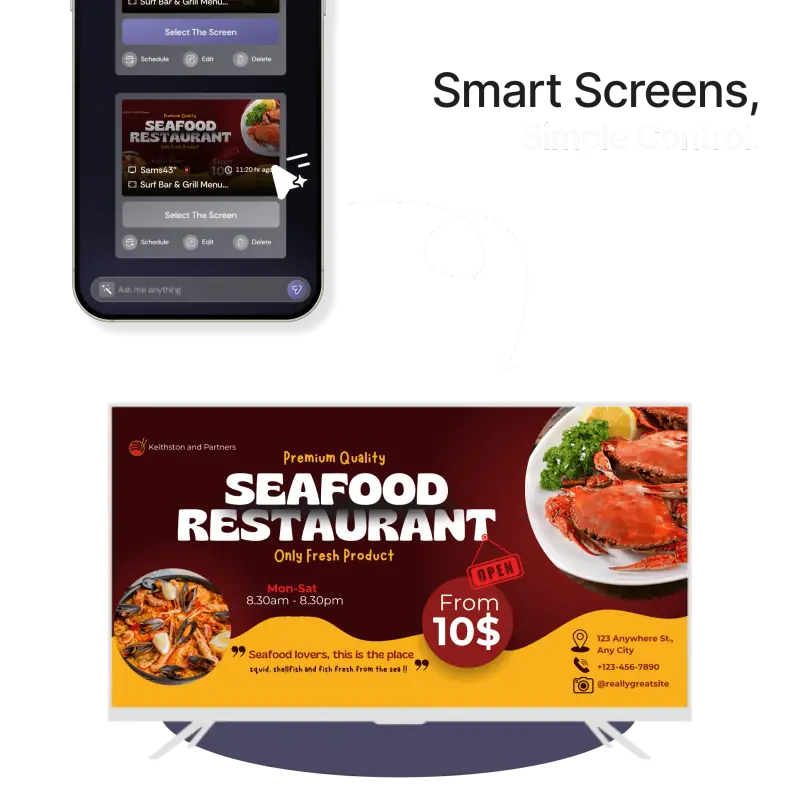
Screen Pulse is a chat-only digital signage platform for
restaurants, allowing menu updates directly via chat—no dashboards or training needed. In three
simple steps—Pair → Pick → Publish—you can control screens on Android TVs, players, and
kiosks.
Screen Pulse supports restaurants in Texas, New York, and India with promotions,
pricing adjustments, and daypart scheduling. With simple, scalable pricing (contact for plans), it
saves time, reduces design costs, and keeps menus up-to-date.
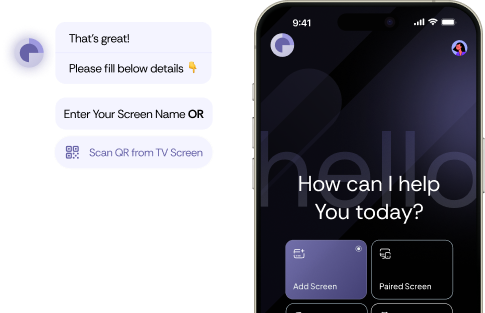
Chat your items and prices, or snap a photo of your paper menu. AI Menu Studio designs a professional menu board, lets you tweak it by chat, and puts it on every screen.
AI Menu Studio
Designing with you
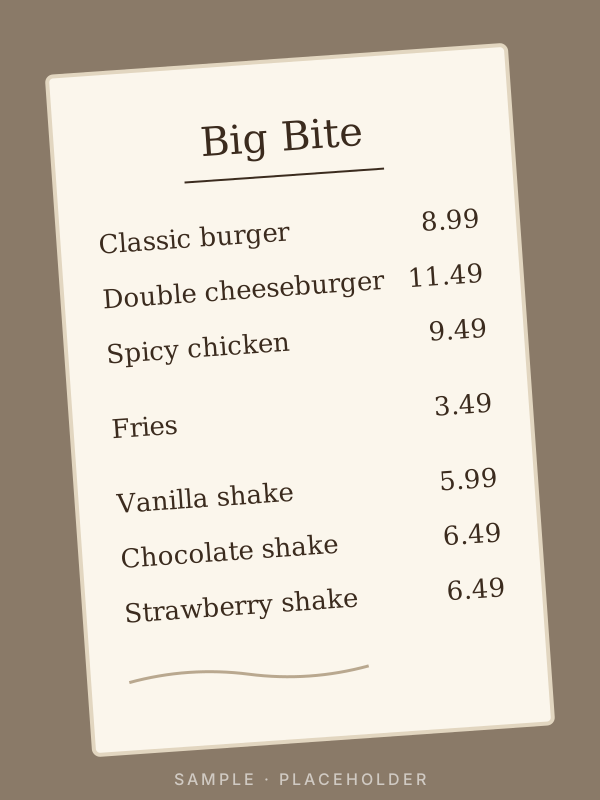
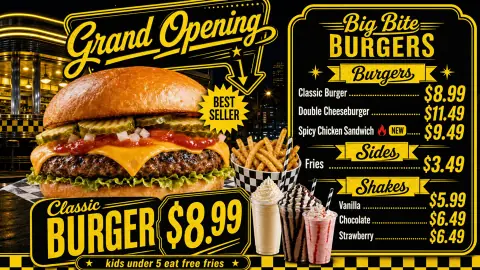
Here's our paper menu. Make it a grand opening board.
I found 7 items and prices. Which style do you like: bold diner, clean modern or chalkboard?
Bold diner, landscape. Feature the classic burger.
Your board is ready. Want to publish it?
Waiting for your menu…
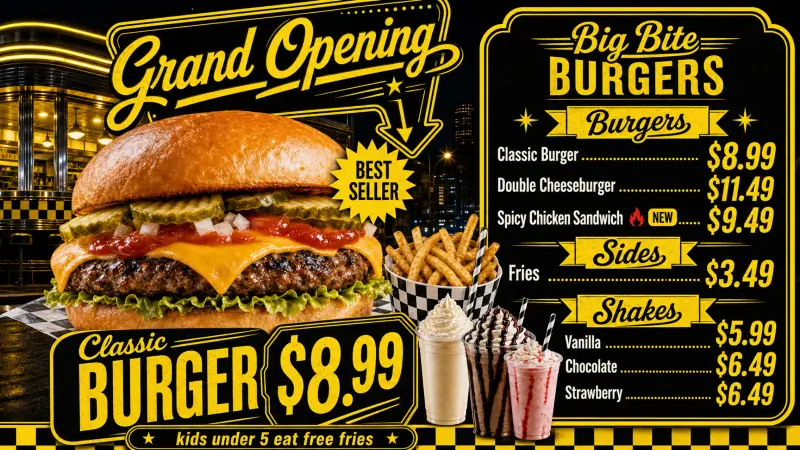
A finished board from one chat. Switch to Animated to see it come alive.
Type items and prices in chat, or upload a photo of your paper menu. Add your logo and food photos if you like.
Say "change the classic burger to $9.49" or "make it darker". Every version is saved, so you can go back anytime.
Put it on every TV now, schedule it by time of day, or share it to Facebook and Instagram.
Type your items, or snap your paper menu and we read the items and prices for you.
We use the logo you upload. The AI never invents one.
Long menus split across slides with one consistent look, in your style and colours.
Change a price by chat. Screens showing the menu update automatically.
Turn a finished board into a short looping video. Food and backgrounds come alive, and the final frame is always your exact approved design.
Send it to every screen, run it by time of day, or post it to Facebook and Instagram.
Connect Screen Pulse to your AI assistant and manage every TV by chat. See what's playing, fix offline screens, update menus. You say Yes or No to changes, right in the chat.

Claude
 Screen Pulse connected
Put the lemonade menu on every screen at Main St from 11 to 3.
Here's the change. Should I go ahead?

Schedule the lemonade menu
You sign in on our own page. The assistant never sees your password.
Small fixes like restarting a screen just happen; texts and public posts need your tap.
One click in Platform Connections. Changing your password disconnects every assistant.
Claude, ChatGPT and Google Gemini, on the open MCP standard.
Add Screen Pulse in Claude
In Claude, open Settings → Connectors → Add custom connector and paste the Screen Pulse URL from Platform Connections → AI Assistants.
You sign in on Screen Pulse, see exactly what the assistant can do, and click Allow. Texting customers and posting in public stay off unless you tick them.
Ask in plain words. Confirm each change with one tap on Yes, right in the chat.
Step 1 shows how to connect the assistant selected above.
Availability in each assistant may vary by account type, region and language. Claude is a trademark of Anthropic. ChatGPT is a trademark of OpenAI. Gemini is a trademark of Google LLC.

Official Canva Certified Partner
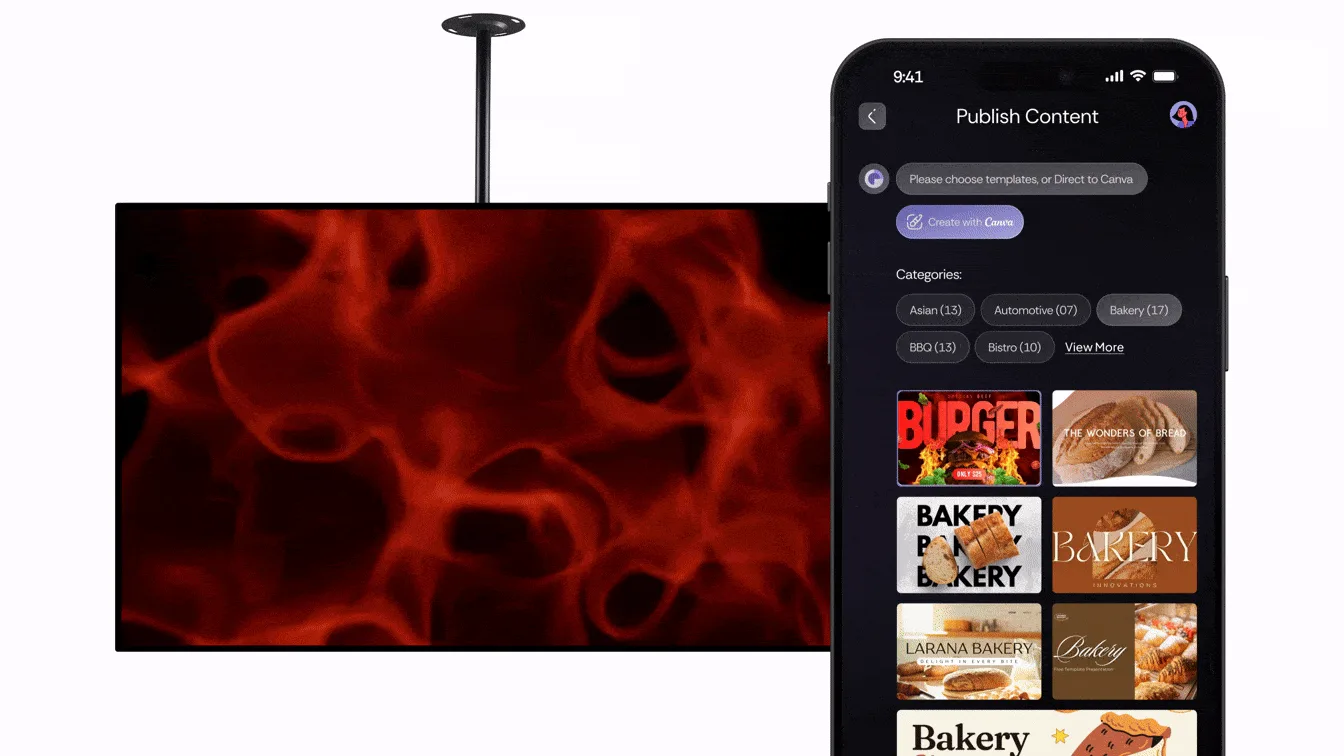
Create, edit, and publish screen content using Canva’s design engine—directly with Screen Pulse.
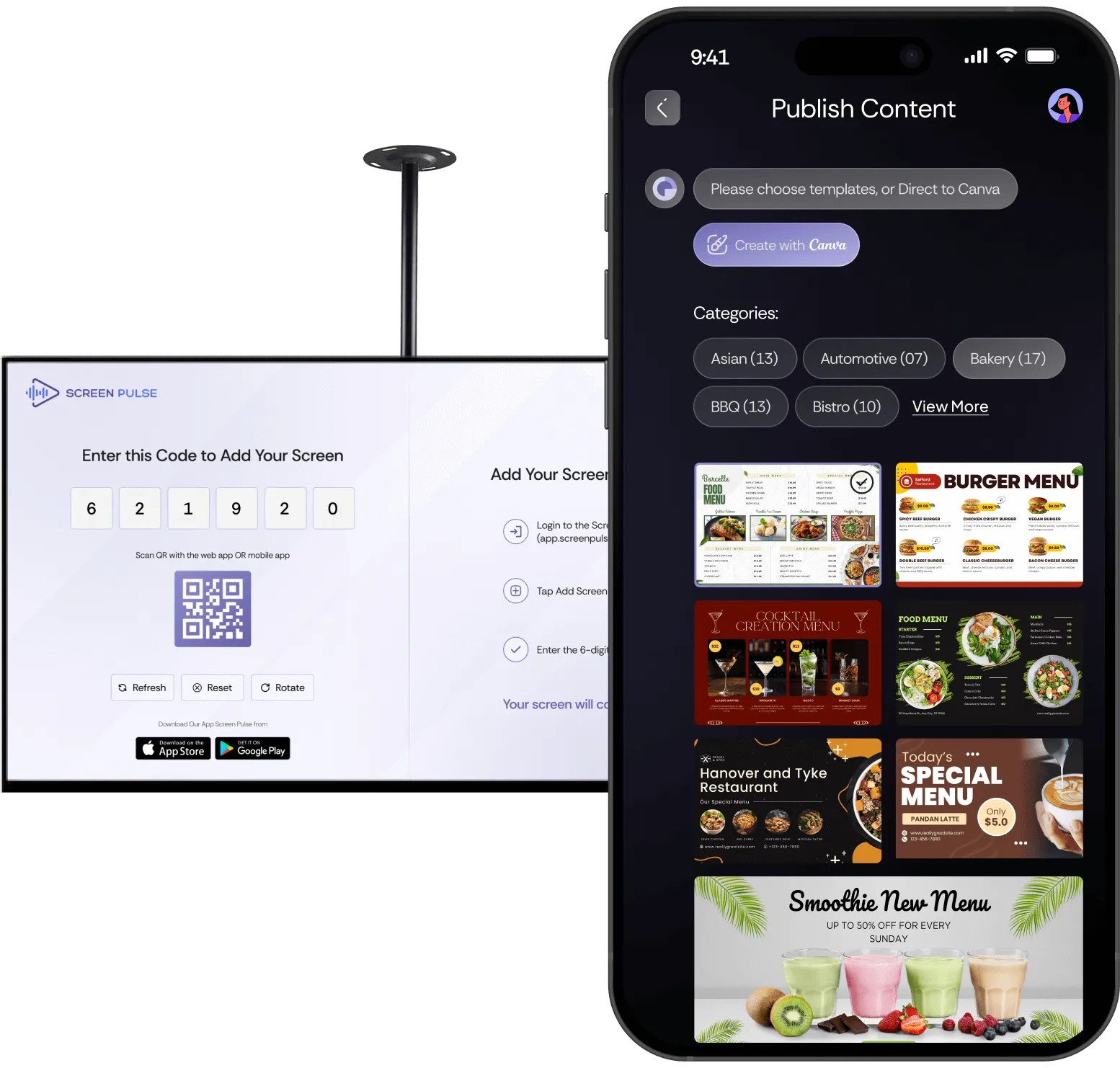

Install the Screen Pulse Apps
Download the Phone App to manage content via phone, and the Player App to push content on your TV screens
Install the Player App
Screen Pulse Player App. Turn any screen into a digital display: single-app mode, silent updates, reboots.
From setup to stage, and from audience engagement to post-event analytics, manage your entire experience seamlessly.
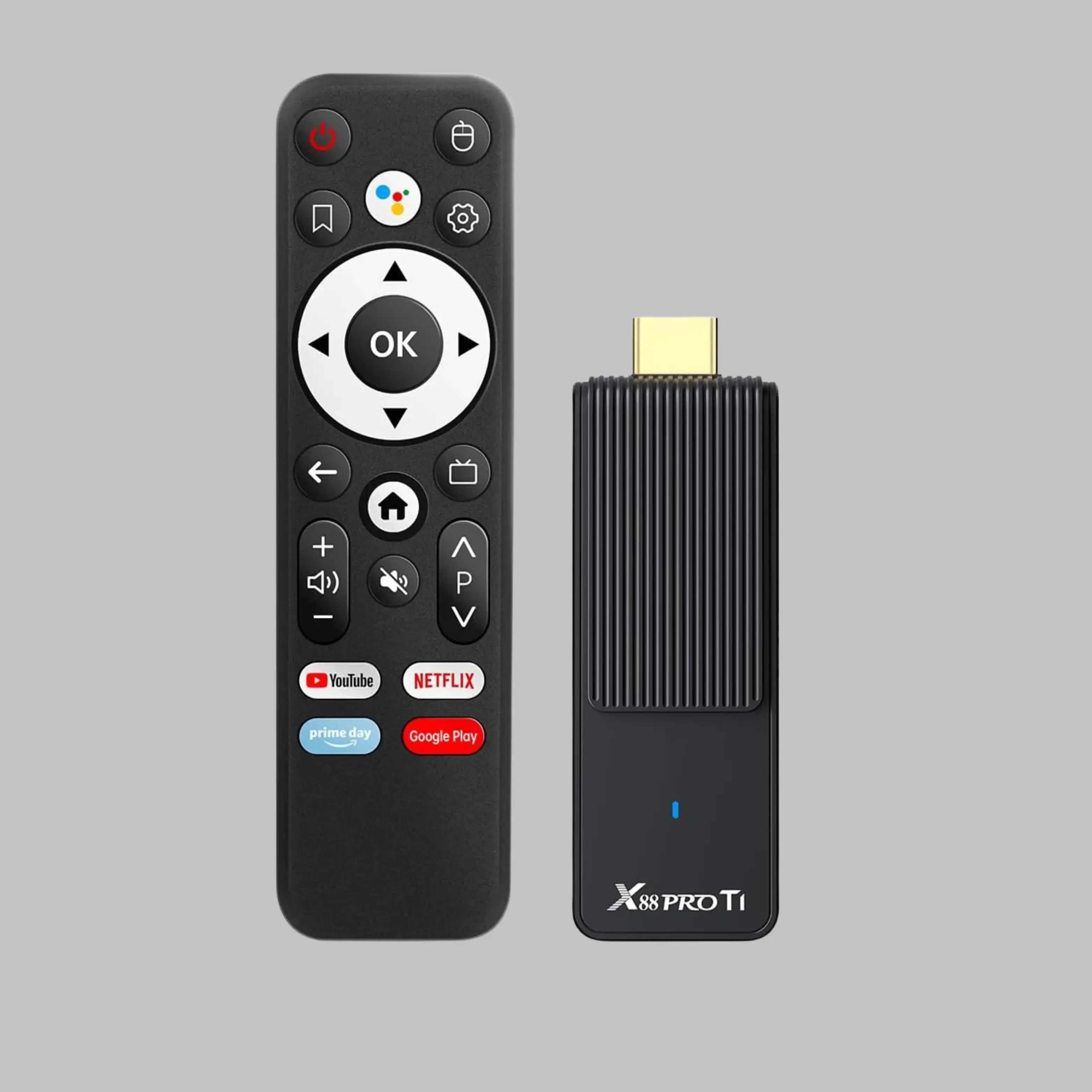
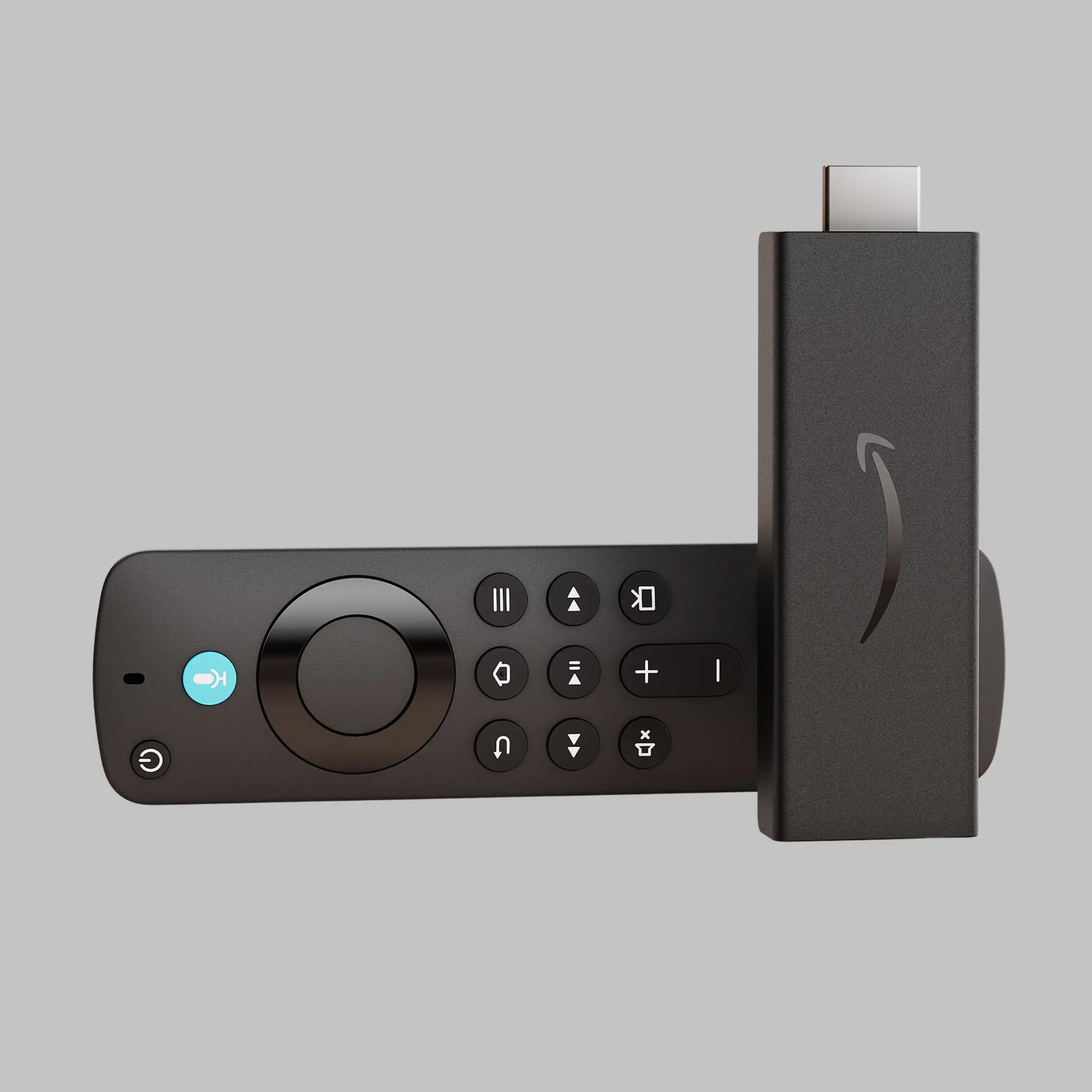
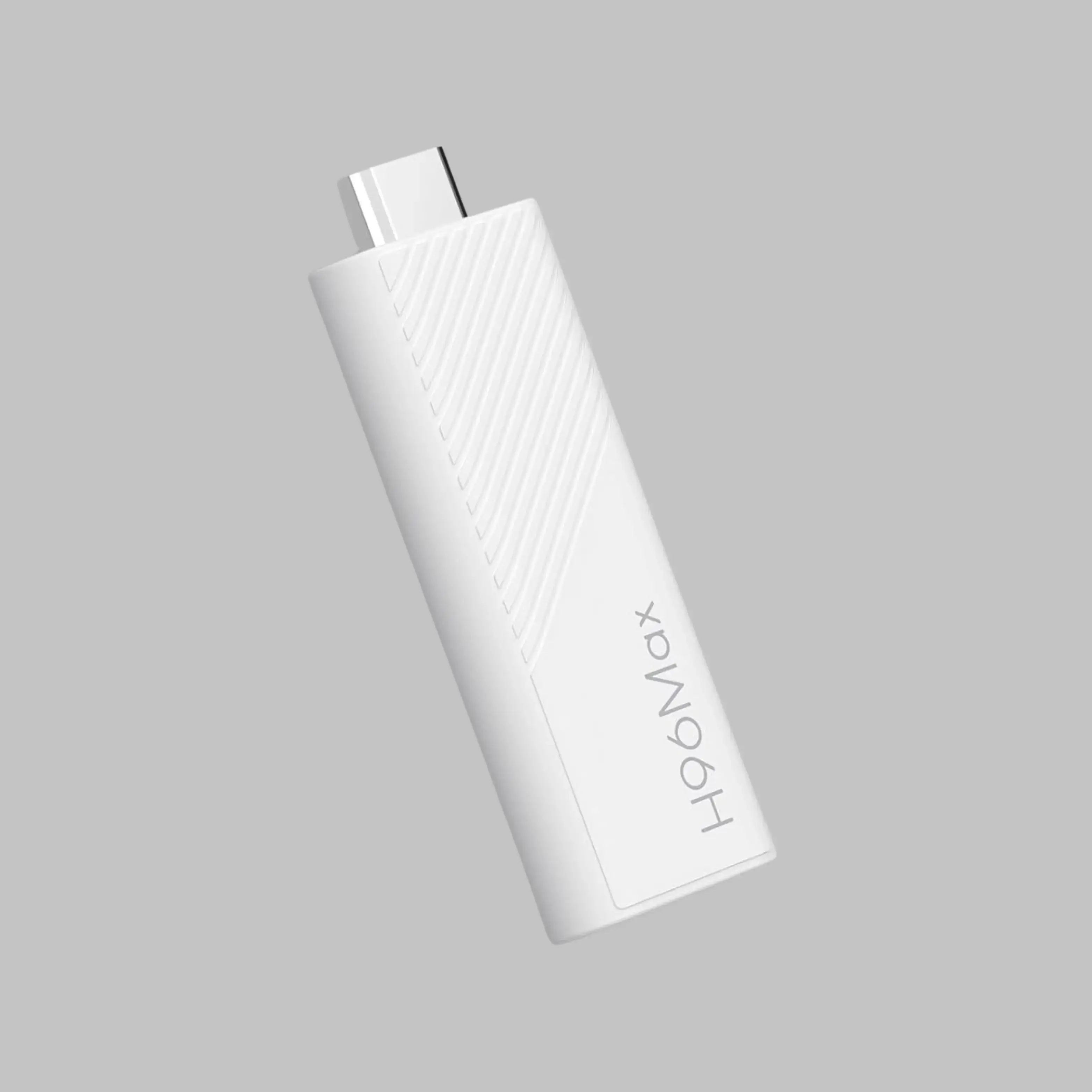
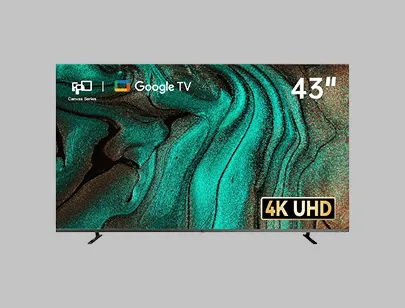
FPD 43 Inch Smart TV 4K UHD LED
Flat Screen Google TV with Google Cast, Bluetooth, HDMI, Streaming Live, HDR 10, Dolby Vision, Ultra Slim Television(Canvas-Series, CG43-C3, 2025)
Buy Now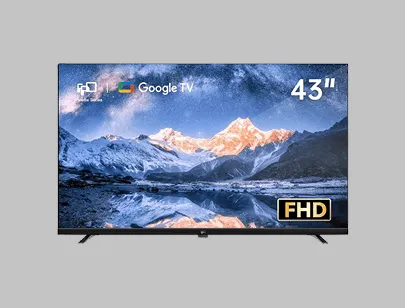
FPD 43-inch Smart TV Google TV 1080p
Full HD with Google Play and Chromecast Built-in, HDR 10, Dolby Audio, Voice Remote, Stream Live TV(Palette-Series, CG43-P3, 2024 Model)
Buy Now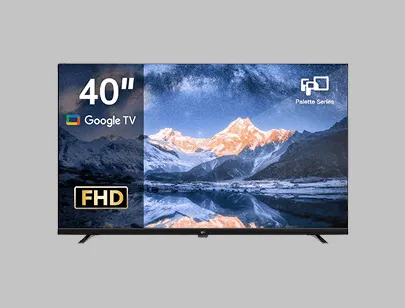
FPD 40-inch Smart TV 1080p
Full HD Google TV with Google Play Built-in Google Cast, HDR 10, Dolby Audio, Voice Remote, Stream Live Television (Palette-Series, CG40-P3, 2025 Model)
Buy NowReserve My Walkthrough Spot Today
No card needed. 10-second signup
From setup to stage, and from audience engagement to post-event analytics, manage your entire experience seamlessly.
 |
 |

|
 |
 |
|---|---|---|---|---|
|
Change menus for one or many stores with one sentence
|
||||
|
Publish content from chat
|
||||
|
One message tells you which TVs are OK or not
|
||||
|
You type words; a ready menu board appears
|
||||
|
Menus change by the clock: breakfast → lunch → dinner
|
||||
|
TV keeps showing the menu even if Wi-Fi stops
|
||||
| BOOK LIVE WALKTHROUGH |
However your restaurant operates, Screen Pulse adapts — making every screen smarter with a single message.
QSRs across NJ use Screen Pulse to push menu updates instantly across dine-in and drive-thru screens.
Coastal cafés use Screen Pulse to automate dayparts and highlight seasonal items in seconds.
Boston restaurants rely on Screen Pulse for clean, modern menu boards managed entirely by chat.
From Hartford to New Haven, restaurants keep pricing updated instantly — no dashboard needed.
Maryland eateries automate breakfast, lunch, and dinner menu swaps with a simple chat message.
Delaware restaurants use Screen Pulse to promote specials and streamline in-store signage.
Florida chains rely on Screen Pulse for vibrant menus that stay readable even outdoors.

NYC restaurants use Screen Pulse to deliver fast price updates and manage multiple screens effortlessly.
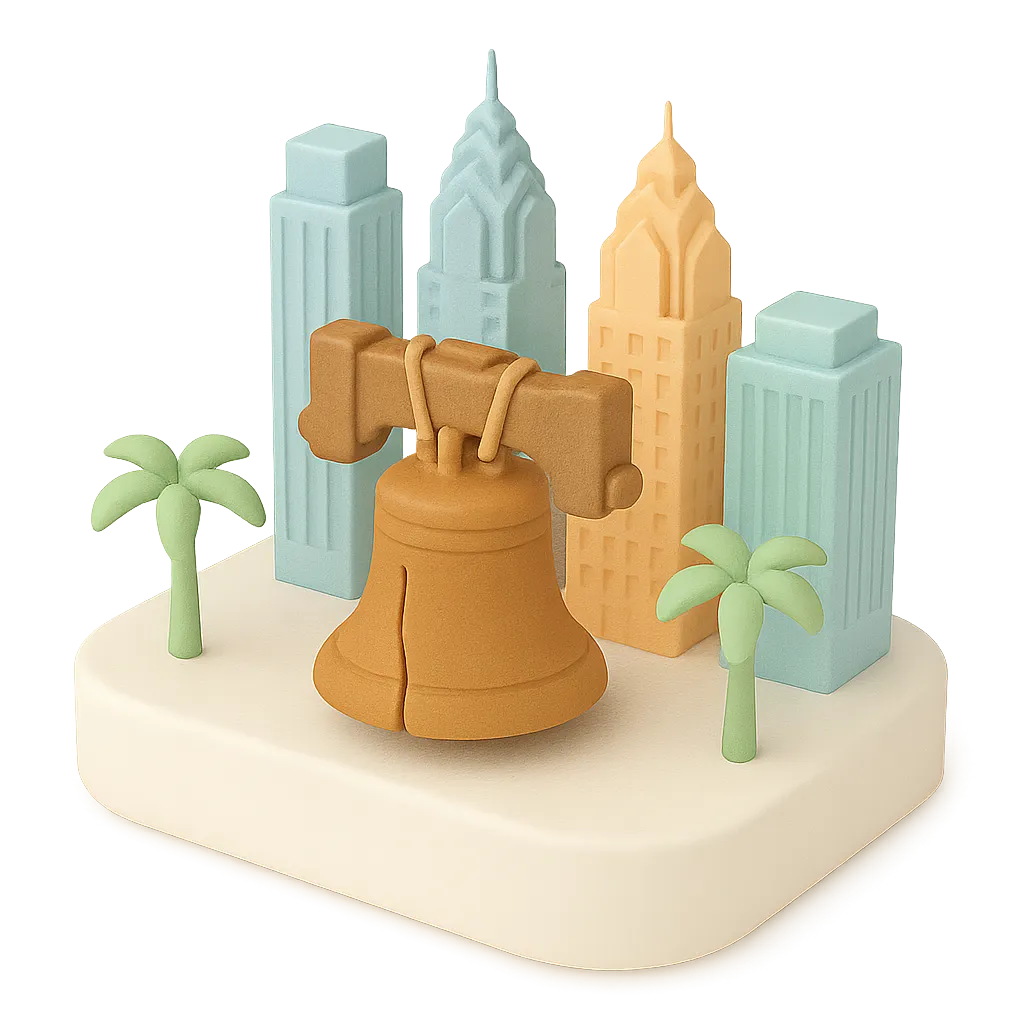
PA restaurants modernize their boards with real-time updates from Pittsburgh to Philadelphia.
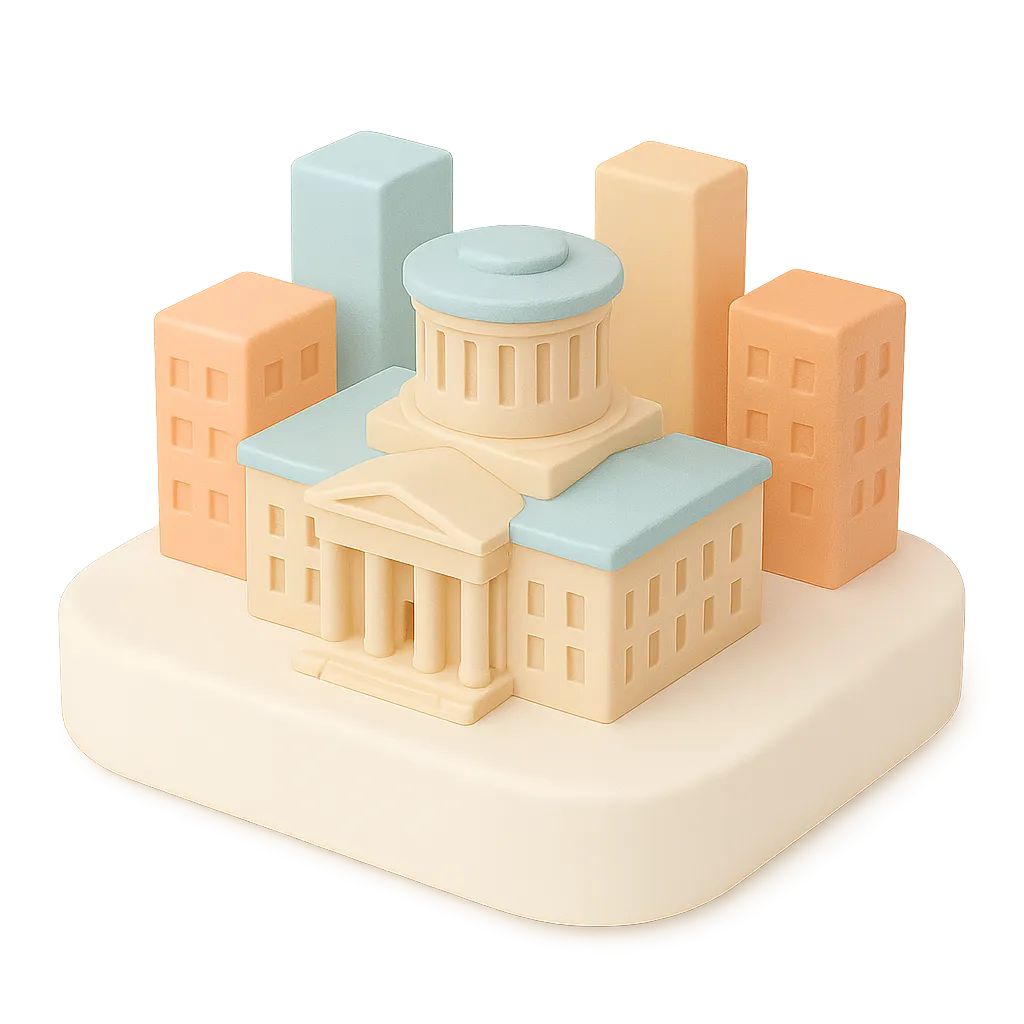
Ohio eateries use Screen Pulse to run dynamic menu boards controlled entirely by chat.
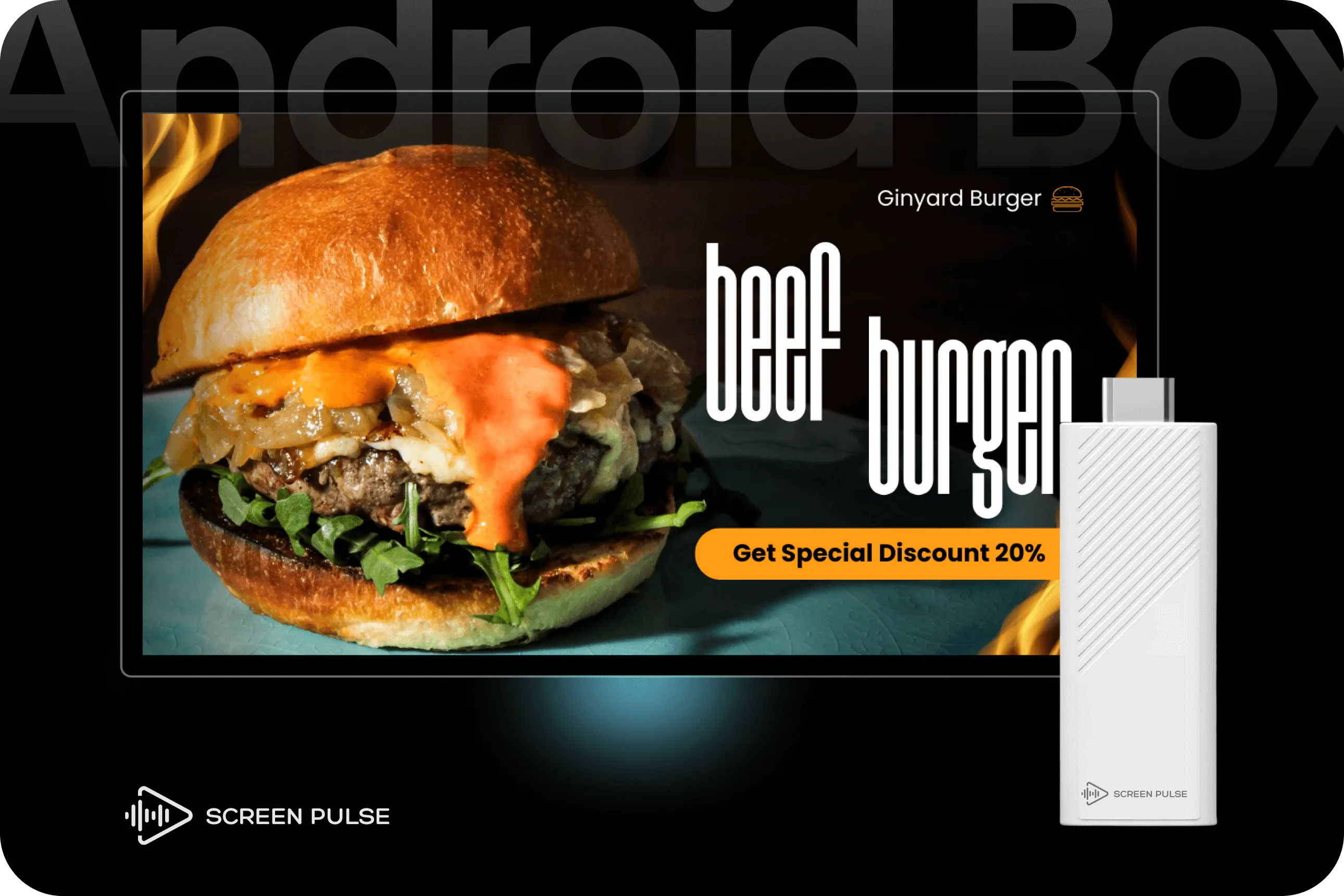
Small app. Auto-launch on reboot. Kiosk ready.
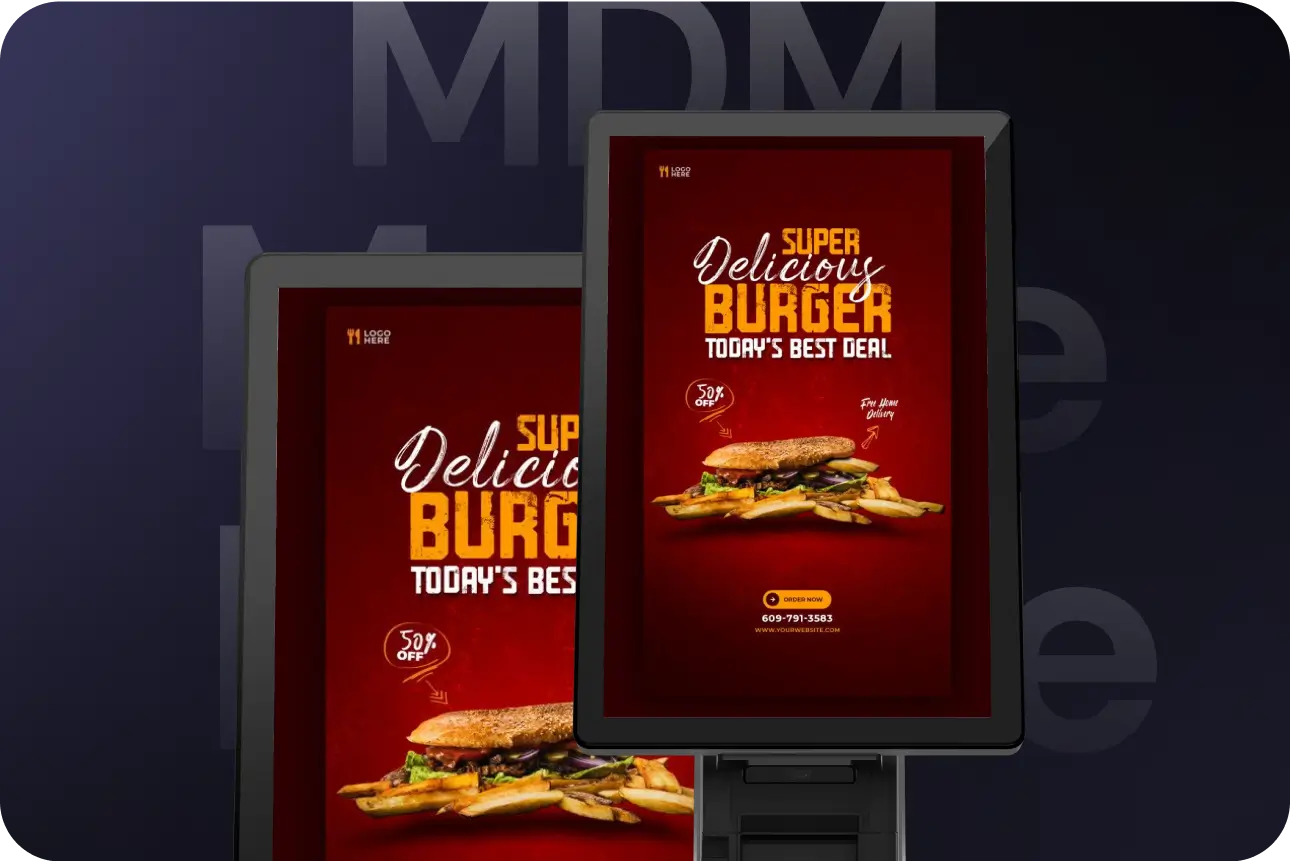
Stops staff changing inputs. Screen Pulse stays on, menus always visible.
Join now. Takes 10 seconds. No card needed.

You’re officially on list to Screen Pulse. We’ll reach out to you soon with next steps.
No. You use chat for everything.
Yes. Turn on Per screen and assign items.
No—Play now is default.
We queue the change. It updates when back online.
Android TVs and Android boxes via our app. Kiosk is optional.
AI Menu Studio includes monthly design and animation credits. If you run out, you can top up anytime from your Screen Pulse account. If a design fails, its credits are returned.
No. Every change asks you one Yes / No question in the chat; texts and public posts go out only when you tap Yes. Small fixes like restarting a screen happen straight away.
Only if you allow it when you connect (two boxes, off by default), and each text or post needs your tap on Yes. You can turn either off anytime in Platform Connections.
No. You sign in on Screen Pulse's own page, and the assistant only gets an access token that you can revoke at any time.
Go to Platform Connections → AI Assistants and choose Disconnect. Changing your password also disconnects all assistants.
No. Connecting Claude, ChatGPT or Gemini to Screen Pulse is free. AI Menu Studio actions you run through an assistant use your included AI credits, just like in the web app.
Only what you ask about in the chat, for example screen names or a snapshot. That information is processed by the assistant's provider under its own privacy policy.
Join for concierge setup, thousands of templates, a 10-minute quickstart, and asset migration.
No card needed. 10-second signup
 Facebook
 Instagram